
Entity performance report
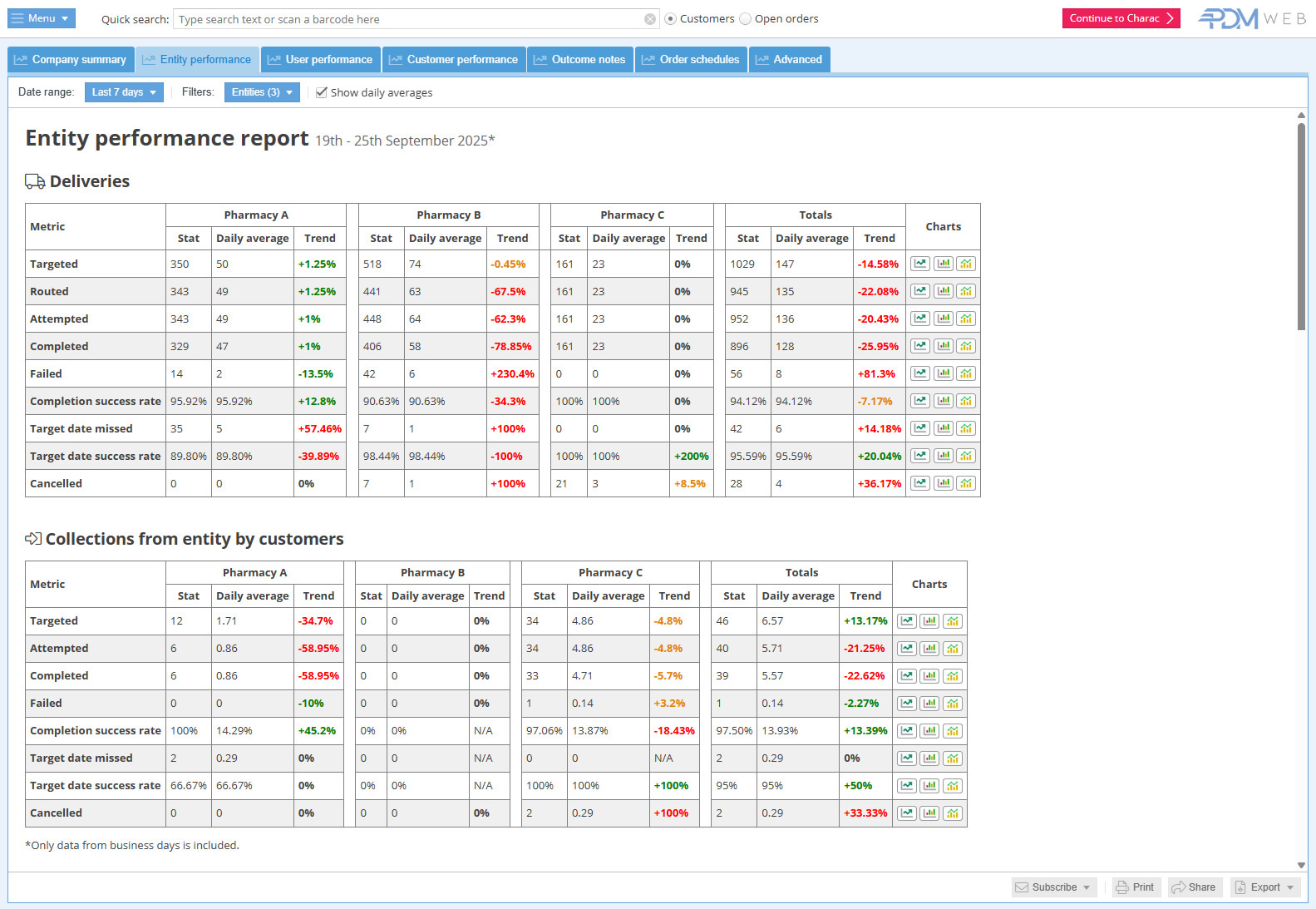
This report is great for comparing performance of a single pharmacy over time or multiple pharmacies at a glance.
Report features
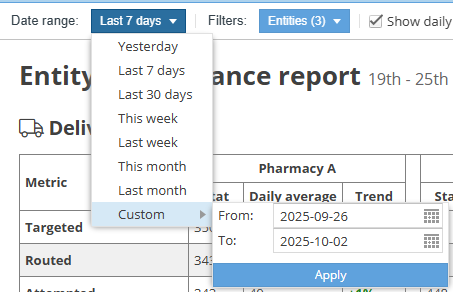
Choose the date range for the report with an easy preset or enter a custom range:
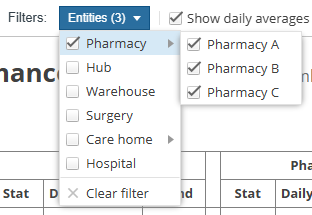
Choose which entities to show in the report:
Show daily averages checkbox: 
This shows and hides the “Daily average” columns in the report. By default it is unchecked so that the report is initially shown in its simplest form..
The chart buttons  open a pop-up chart that provides easy yet powerful visualisation of the selected metric:
- A line graph that plots the values of the selected metric day-by-day over the selected time period. Allows users to easily spot trends and peaks.
- A bar chart that compares the values of the selected metric for each entity. This allows you to quickly compare performance of your entities.
- A bar chart that groups the values of the selected period by time periods. For example, if you have selected a date range of one year, it will show the totals for each month of that year for quick comparison and trend-spotting.
Subscribe:
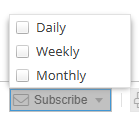
Subscribe to receive a copy of this report on the selected frequencies (daily, weekly, monthly).
Print: 
Send the report to a printer.
Share: 
Share the report with someone by email.
Export: 
Export the report in Excel format.