
Customer Performance Summary Report
This report shows key delivery service metrics for all customers that the current logged-in user has access to.
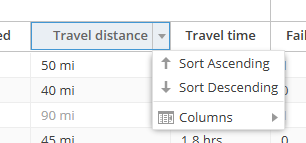
Any column can be easily sorted with a single click of the column header. This makes it very easy to identify customers who are high cost to the business.
The associated customer record can be easily opened by double-clicking on a row.
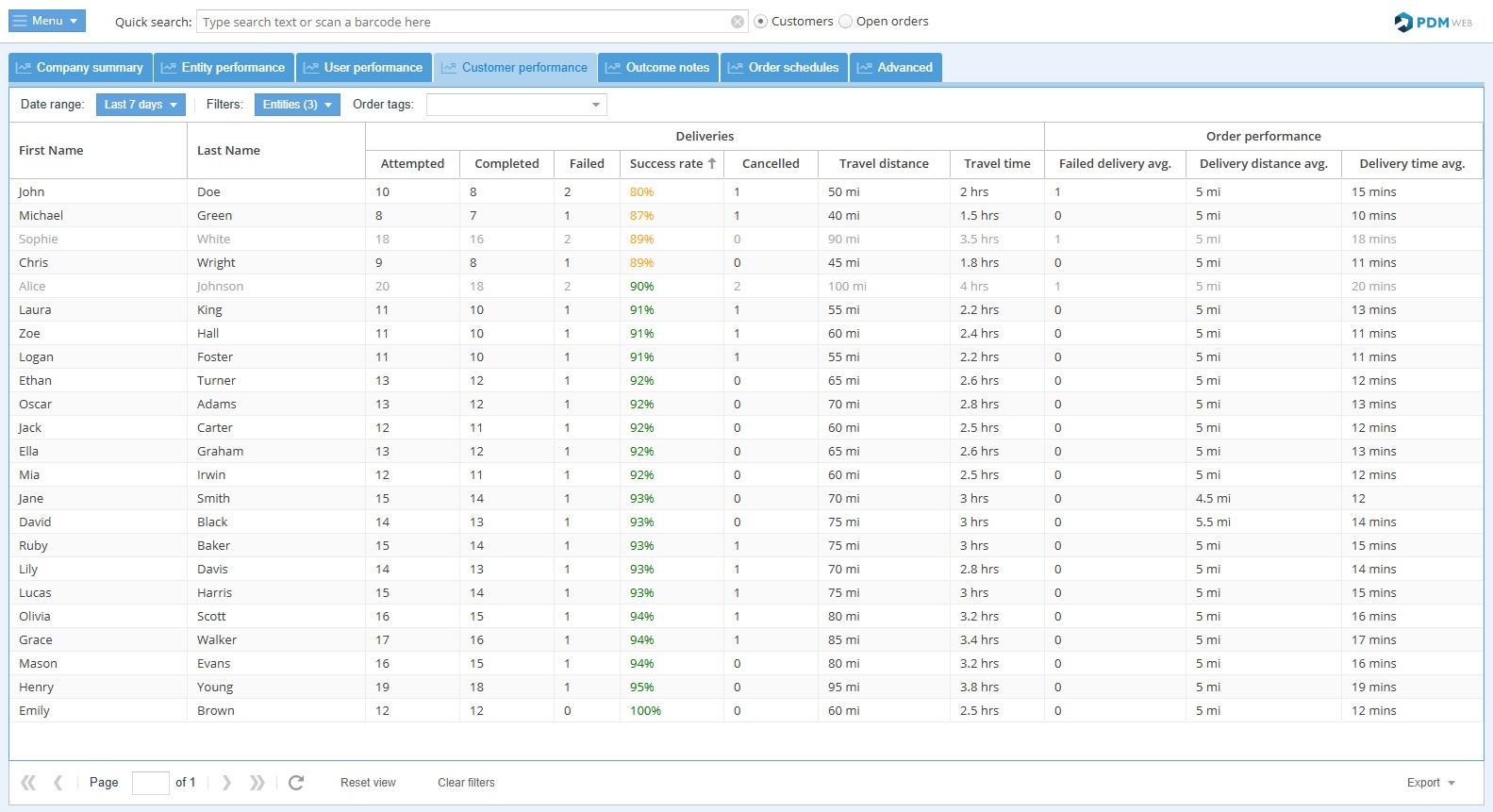
Report features
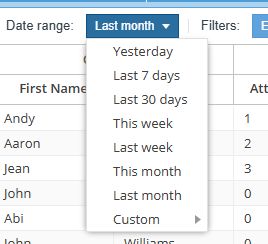
Choose the date range for the report with an easy preset or enter a custom range:
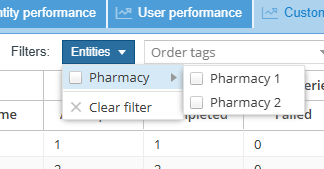
Choose which entities to show in the report:
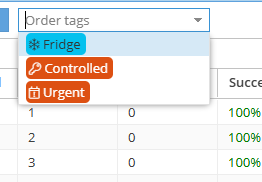
Use the drop-down menu 'Order tags' to view customers with specific order tags (i.e. Fridge, Controlled, Urgent, etc.):
Easily sort the grid by any column to find poorly performing customers:
Export: 
Export the report in Excel format.