
Outcome Notes Summary Report
The outcome notes summary report lists all tasks that have an outcome note.
Any column can be easily sorted with a single click of the column header.
The associated order record can be opened by double-clicking on a row.
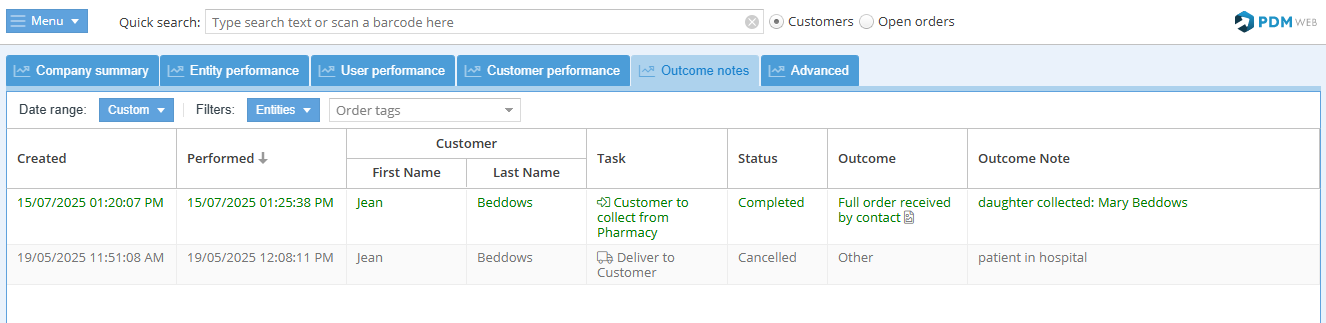
Report features
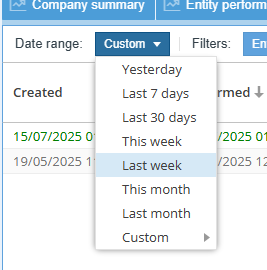
Choose the date range for the report with an easy preset or enter a custom range:
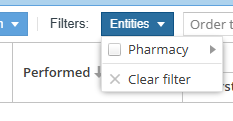
Choose which entities to show in the report:
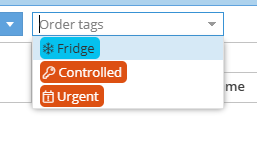
Use the drop-down menu 'Order tags' to view orders with specific order tags (i.e. Fridge, Controlled, Urgent):
Export: 
Export the report in Excel format.